
Handling client projects outside your skill set is a common challenge for freelancers, especially when you’re working independently and clients expect you to “handle everything.”
In this article, I’ll share how I handle client projects outside my skill set based on real experience,
including how I assess risks, communicate with clients, and still deliver professional results.
We should know that clients don’t really care what’s inside your skill set. They don’t pause mid-conversation and ask themselves whether you’re technically ready or emotionally prepared for what they’re about to request. They just want results.
And that’s how I often find myself reading a client message, nodding confidently in my head… while a small voice inside goes, “Okay, but how exactly am I supposed to do this?”
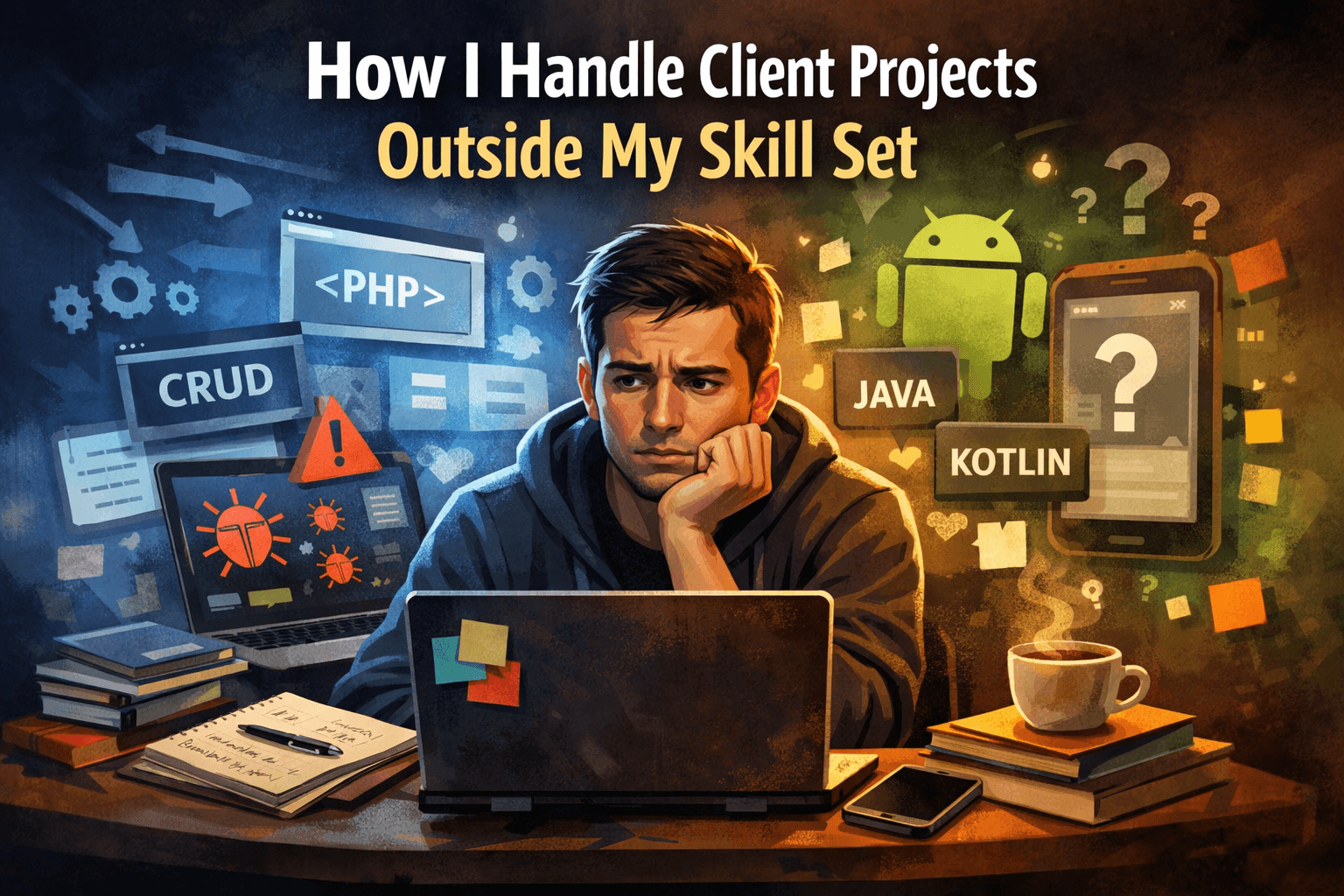
My background was pretty basic. I was comfortable working with PHP, doing CRUD operations, fixing bugs, adding features to existing projects — nothing fancy, but enough to get things done. I knew my way around websites. I felt safe there.
Android apps, on the other hand? That was a completely different universe.
So when projects slowly started drifting outside my comfort zone — more complex logic, unclear workflows, unfamiliar platforms — I had two choices: panic quietly, or figure things out step by step.
Over time, I realized these kinds of projects weren’t just challenges — they could actually turn into opportunities to build something reusable, like digital products.
I chose the second option, mostly because freelancing doesn’t really give you the luxury to choose anything else.
1. Clients Don’t Ask Based on Your Skills
Clients don’t open your brain and check what you know. They just come in like:
- “Can you fix this bug?”
- “Can you add this feature?”
- “Can you make this system smarter?”
- “Can you build an Android app for this?”
They don’t ask:
“Are you emotionally and technically ready for this?”
So yeah—sometimes I say yes while internally thinking:
“Okay… how exactly am I going to do this?”
2. My Actual Background Was Pretty Basic
To be clear, I didn’t start as some hardcore engineer. My background was mostly:
- basic PHP and HTML
- CRUD operations
- simple logic
- fixing small bugs
- adding features to existing systems
Comfortable? Yes.
Advanced? Not really.
Android apps?
Zero experience. Literally zero.
3. Then Projects Started Going Beyond That
At some point, the requests changed. Suddenly I was dealing with:
- complex business logic
- unclear workflows
- features that weren’t documented anywhere
- an Android app request that made me stare at my screen for a solid 10 minutes
Past me would’ve panicked. Current me does something different.
4. I Don’t Start With Code — I Start With Clarity
Here’s the thing:
Coding is not the first step. Thinking is.
Before touching any code, I do this:
Step 1: I Talk It Out (Yes, Literally)
I treat AI like a senior dev I can talk to. Instead of blindly relying on it, I use AI tools as part of my workflow to think, plan, and validate ideas — especially when handling projects outside my expertise.
I’ve shared more details about how I use AI to boost my freelance career without overpromising to clients.
I ask things like:
- “How does an Android app actually work at a high level?”
- “What are the main components I should understand?”
- “What’s the flow from screen A to screen B?”
No coding yet. Just understanding.
Step 2: I Write Everything Down (Old School)
Before copying anything into ChatGPT, I open Notepad.
I write:
- what the app should do
- user flow
- edge cases
- examples
This step is underrated.
If I don’t understand my own explanation, no AI will magically fix that.
Step 3: I Ask for Code in Stages (Never All at Once)
I never say:
“Build me the whole app.”
Instead:
- first: basic structure
- then: one feature
- then: refinement
- then: fixing errors
- then: improving logic
It’s trial → error → fix → repeat.
Most of the time, the code isn’t ready on the first try. And that’s normal.
5. When One Tool Gets Stuck, I Switch
Sometimes ChatGPT gives solutions that look right… but break everything.
When that happens, I:
- explain the problem to Claude
- focus on logic-heavy issues
- compare answers
- test again
Different tools think differently.
I don’t marry one tool. I just use whatever helps me move forward.
6. Yes, I Use Free AI — And That’s Enough
People love to assume you need paid tools for everything.
Honestly? Not always.
I use:
- ChatGPT free
- Claude free
- multiple accounts when limits hit
When account A hits a limit, I continue on account B and briefly explain the context again.
Is it fancy? No. Does it work? Yes.
I haven’t spent a single dollar on AI tools—and I’m still shipping real projects.
7. The Android App Plot Twist
The Android app project was probably the biggest plot twist in my freelancing journey.
I didn’t wake up one day thinking, “Today feels like a good day to build an Android app.”
A client asked for it. That’s it.
At first, I did what any reasonable freelancer would do: I stared at my screen. I reread the message. I questioned my life choices. I even considered pretending I didn’t see the email yet.
The truth is, I had zero Android experience. No Kotlin. No Java. No idea how screens talk to each other. I didn’t even fully understand how Android apps were structured.
So instead of jumping into code and making a mess, I slowed everything down.
I started by asking basic questions—not coding questions, but conceptual ones. How does an Android app actually work? What are the main components? What happens when a user taps a button? I treated it like a conversation, not a command.
Before sending anything to ChatGPT, I opened Notepad and wrote the entire app flow in plain language. What the user sees first. What happens next. Where data goes. Where things might break. Writing it down helped me realize how many assumptions I was making—and how many gaps I needed to fill.
Then I asked for code in small pieces. Not the whole app. Just enough to test, break, fix, and understand. Some days were smooth. Other days felt like fighting bugs that made absolutely no sense. There were moments when I didn’t understand nearly half of the code in front of me—but somehow, the app started working.
The weirdest part was the ending. After all the trial, error, and fixing, I realized I had actually built something functional. An app. From scratch. With zero prior Android knowledge.
I remember thinking, “Wait… did I really just do that?”
Even now, I don’t pretend I understand every line of that code. But I understand the result. And so did the client.
8. The Real Skill Isn’t Coding
After all these projects, I realized something important:
The real skill isn’t knowing everything.
It’s knowing how to break problems down.
AI doesn’t replace thinking.
It amplifies it.
If you:
- can explain problems clearly
- can test patiently
- can iterate without panic
You can handle projects outside your skill set—without pretending to be a genius.
What I Learned Along the Way
Looking back, I don’t think my biggest advantage is technical skill.
It’s not knowing every framework.
It’s not memorizing syntax.
It’s not even being “good at AI.”
It’s the ability to slow down when things feel overwhelming, break problems into smaller pieces, and keep going even when I’m not fully confident.
I still Google basic errors. I still get stuck on stupid things. There are days when I finish a project and genuinely wonder how it even works—then immediately fear touching it again in case I break something.
But somehow, the work gets delivered.
From small bug fixes…
to complex web features…
to an Android app I never planned on building…
None of it was perfect. But it was real.
And in freelancing, real solutions beat perfect knowledge every single time.