
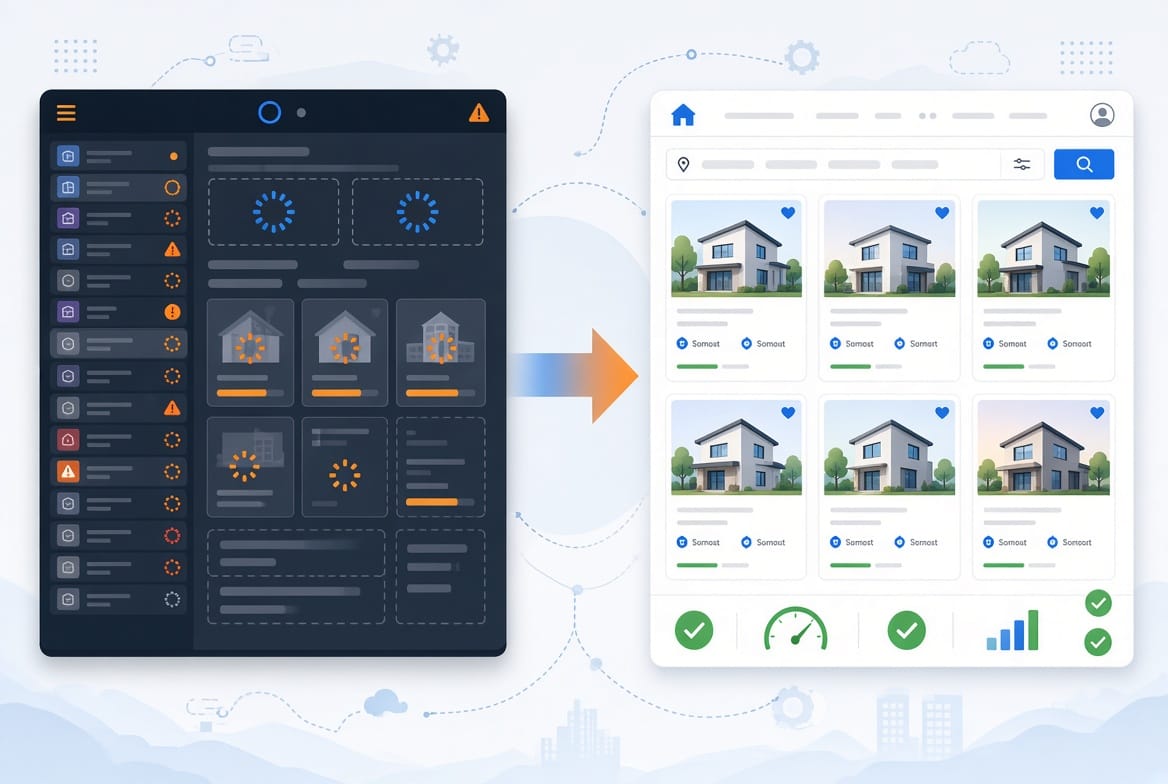
The demo was fast. Then I added real listings.
I have lost count of how many property sites I have assembled out of mismatched plugins. A theme, a custom fields plugin, a filter plugin, a map plugin, a form plugin, and the hope that none of them would conflict with each other.
And almost every time, the story went the same way. The demo flew. The homepage loaded in a blink. Then we added 60 real listings, a photo gallery for each one, a map, and a contact form, and the whole site started to feel like it was wading through mud.
If that sounds familiar, the theme is not always the only culprit, but it is very often the biggest one. In this article I will explain why real estate themes get slow, what actually causes it, and what to look for before you commit to one.
Why a property website is heavier than a normal website
A small business website might have five pages and a contact form. A property website has a very different job. It usually needs:
- Many large photos per listing
- Archive pages that show 12 or 24 listings at once
- Filters for type, status, price, and location
- A map
- Structured details like price, land area, bedrooms, and bathrooms
- Fast contact options, especially on mobile
That is a lot of work for one page to do. So the question is never “does the theme have these features”. The question is “how does it deliver them, and what does it load to do it”.
The 5 real reasons real estate themes get slow
1. A page builder runtime sits underneath everything
Many popular real estate themes are built on Elementor, WPBakery, or a similar page builder. Page builders are convenient, and for some people they are the right choice. But they usually load their own CSS and JavaScript, and they wrap your content in layers of nested markup.
That nesting makes the page structure (the DOM) bigger and harder for the browser to process. On a site with dozens or hundreds of listings, that weight is repeated on every page.
2. Scripts load everywhere, even where they are not needed
Sliders, animation libraries, icon packs, mapping libraries, UI frameworks. Many themes load all of them by default, on every page, whether the page uses them or not.
Maps are the classic example. A property detail page needs a map. Your “About” page does not. If the map library loads on both, you are paying a speed cost for nothing. This hurts most on mobile, where CPU and network are limited.
3. Property cards and archive pages are built carelessly
The archive page, the one that lists many properties, is usually the slowest page on a real estate site. Each card tends to carry:
- A large image, often much bigger than the space it fills
- Extra scripts for hover effects or sliders
- A complex layout with many nested elements
Two things matter a lot here. First, image size: if the theme serves a 1600 pixel wide photo into a 400 pixel wide card, your Largest Contentful Paint (LCP) suffers. Second, layout stability: if images or sliders load without reserved space, the page jumps around while loading, which hurts Cumulative Layout Shift (CLS).
A small detail that many themes get wrong: the first image above the fold should not be lazy loaded, but the ones below it should be.
4. The plugin stack keeps growing
When a theme does not handle basic real estate features itself, you fill the gap with plugins. Typically:
- A custom fields plugin
- A filter or property search plugin
- A map plugin
- A form plugin
- Sometimes a separate SEO plugin
Plugins are not evil. WordPress is built around them. But each one adds its own CSS, JavaScript, database queries, and update schedule. Five plugins that each “only add a little” add up to something that is not little at all.
5. Filtering and queries are heavier than they look
Filters feel simple on the front end, but behind them the site is running queries against your listings. Filtering by several custom fields at once can get expensive as your number of listings grows, because that data usually lives in a general purpose table.
Some filters also run through AJAX, which can feel slick but often hides problems: no shareable URL, extra requests on every click, and results that search engines never see. When you evaluate a theme, ask how its filtering works, not only whether it has filtering.
What I did differently when I built my own theme
I did not set out to prove that every other theme is bad. Many of them are good, and some are great for large agencies. I simply wanted to see how much of the real estate basics could live inside the theme itself, with as little extra code loaded as possible.
Here is how the problems above map to the decisions I made in the real estate theme I built:
| Common problem | What I did instead |
|---|---|
| Page builder runtime | Plain CSS, no page builder |
| Plugin pile (fields, filters, forms) | Property post type, structured fields, taxonomies, and filters built into the theme |
| Heavy map setup | Leaflet and OpenStreetMap in the admin, and a simple Google Maps embed link on the property page, with no API key needed |
| AJAX filters with no URL | Filters run on real WP_Query parameters via GET, so every filtered view has its own shareable link |
| Thousands of near duplicate filter pages in Google | Filtered search URLs are marked noindex |
On my own tests, the demo scored 99 on mobile and 100 on desktop in Google PageSpeed Insights, and GTmetrix gave it Grade A with a performance score of 99%. Those numbers come with the usual fair warning: they change with the test location, network, server load, and caching, so please do not treat them as a promise for every installation.
What I care about is the principle. If a theme ships less code, it has less to slow down.
What to look for before you choose a theme
You do not need a lab to judge a theme. A few simple questions answer most of it:
- Does the theme need a page builder to work properly?
- How many plugins do I need just to create one basic property listing?
- Is the property archive page clean and light, or full of sliders and hover effects?
- Does it load a lot of scripts by default, such as a map on pages that do not need one?
- Does the demo feel fast on my phone, on the listing page and not only on the homepage?
If you want a number to go with your impression, run the demo through PageSpeed Insights on mobile. Google’s Core Web Vitals guide explains what the results mean, for example that a good LCP is 2.5 seconds or less.
What a PageSpeed score cannot tell you
A good score is useful, but it is not the whole story. A few honest limits:
- A demo is not your site. Your hosting, your photos, and your plugins will change the result.
- Lab tests are a snapshot. Real visitors on slow connections may see something different.
- A score of 100 does not mean you will rank first. Content, links, competition, and authority still matter a lot.
You do not need a perfect score. You need a theme that is not the thing holding your site back.
Are feature rich themes always slow?
No, and I want to be fair about that. Some agencies genuinely need membership systems, advanced search, multi agent dashboards, and complex integrations. A feature rich theme can be the right tool for that job, and a good developer can keep one reasonably fast.
The problem starts when a theme tries to be everything for everyone and loads all of it by default. For a solo agent or a small agency, a focused theme usually works better in practice, because there is simply less to load, less to update, and less to break.
Frequently asked questions
Does Elementor make a real estate website slow?
Not automatically. Elementor and similar builders add extra CSS, JavaScript, and markup, so they start with more weight. With good hosting, caching, and careful design you can still get a decent result. But a theme that does not depend on a page builder starts from a lighter baseline.
What PageSpeed score is realistic for a property website?
It depends on your photos and your hosting, but a clean theme should not struggle to reach a good mobile score before you add content. If a theme already scores poorly on its own demo, it will usually get worse with your real listings.
How many plugins should a real estate theme need?
There is no magic number, but fewer is better. Ask how many plugins you need to create a basic listing with structured fields, filters, a map, and a contact option. The answer tells you a lot about how self contained the theme really is.
Does website speed affect SEO for real estate sites?
Speed is one of several signals, and it will not rescue weak content. But a slow site makes everything harder: visitors leave sooner, mobile users get frustrated, and search engines have a harder time crawling large archives.
Should I use a lightweight theme or a plugin based setup?
Both can work. A plugin based setup gives flexibility, and a self contained theme gives simplicity and fewer moving parts. For most small agencies, I would start with the simpler one and add complexity only when you actually need it.
The Bottom Line
Most real estate WordPress themes are not slow because their developers do not care. They are slow because they try to solve too many problems at once, usually by stacking a page builder, a pile of scripts, and several plugins on top of each other.
So before you buy, look at the archive page, count the plugins you would need, and ignore the number of demos. A theme that feels slow before you add your content will only feel slower afterwards.
If you want to see what a lean approach looks like in practice, you can read what is inside the theme I built, including the demo and how each feature works. And if you are not sure whether it fits your market, just ask. I would rather tell you “this is not a fit” than sell you the wrong tool.